
Navixy, Teltonika & No Tag No Start Configuration

The Teltonika range of devices have an in-built immobiliser scenario which allows the output signal to be controlled by the detection of a bluetooth tag, making it the ideal solution to prevent any unauthorised person from driving a vehicle.
Configuring the solution on the Navixy platform.
In the device settings tab, add a ‘Custom Command’ which will allow the user to turn the immobiliser scenario feature ON or OFF. This is useful as an override in case the driver loses a tag, the tag battery goes flat ot it simply stops working.
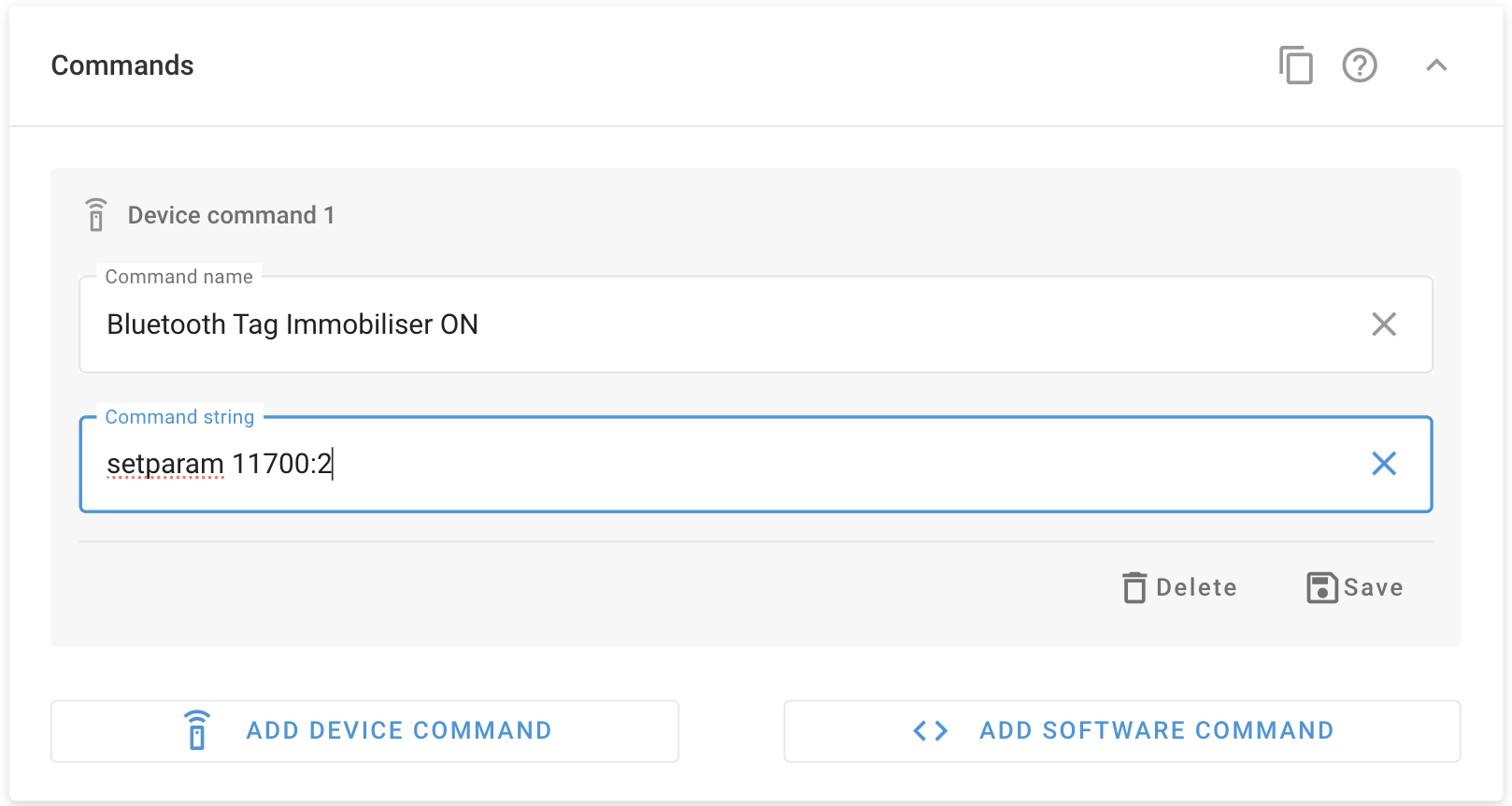
Add a Device Command to turn the feature ON
setparam 11700:2
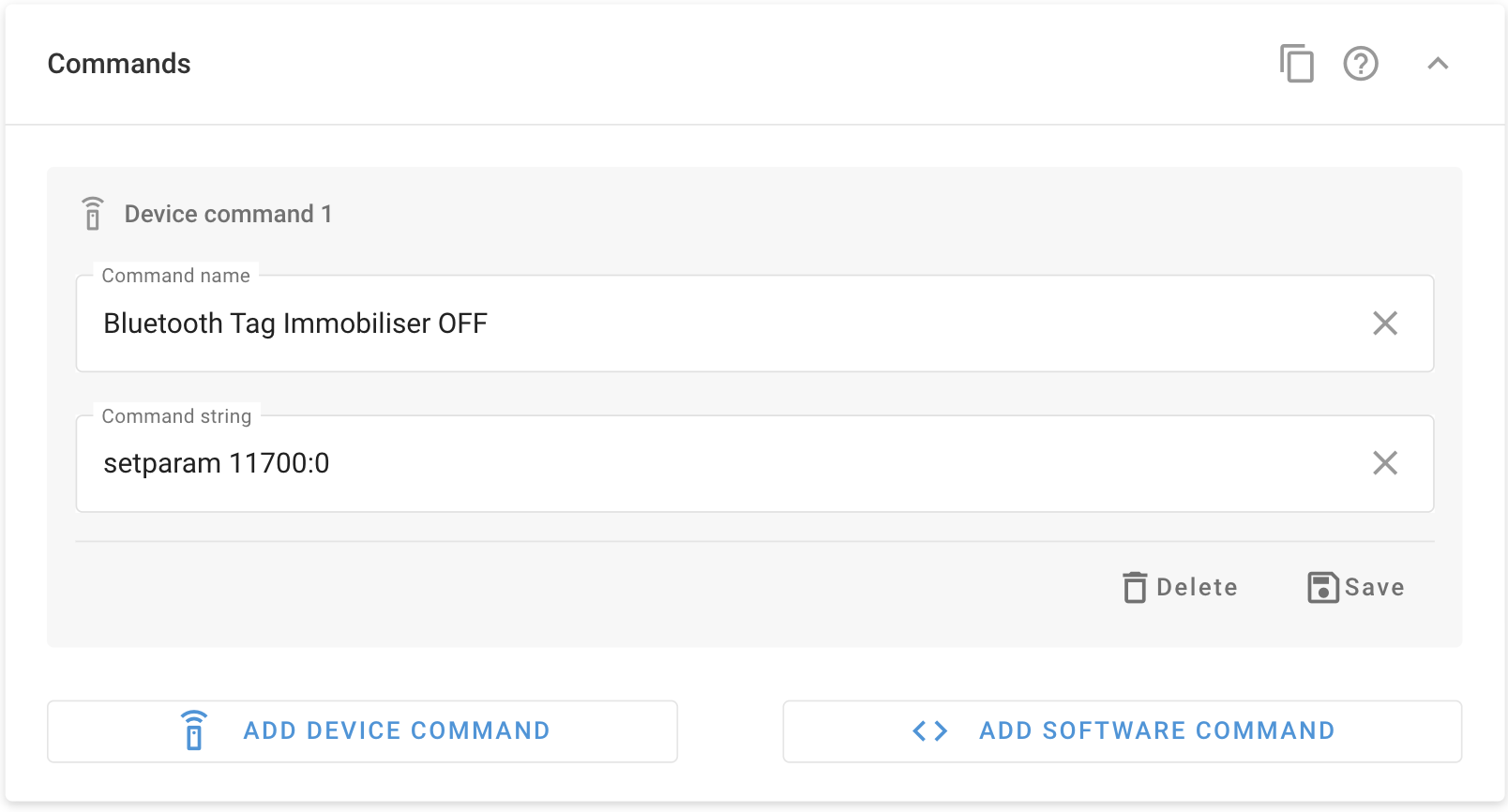
Add a Device Command to turn the feature OFF
setparam 11700:0
When the feature is switched ON, the vehicle will only start if the device detects a valid tag.
The output cannot be controlled manually when the immobiliser scenario is turned ON
The Teltonika device can be configured to store multiple bluetooth tag codes. The first tag is stored as parameter 1600 and for each subsequent tag the parameter number increments by 1.
For example we have 5 drivers using the same vehicle. We need to add 5 ID tags to the device so we’ll update parameters 1600, 1601, 1602, 1603 and
1604
Send the following command by Navixy Air Console
setparam 1600:UUID_code-Major-Minor
Where
UUID number is the unique 32 digit code
Major is the Major code
Minor is the Minor code
For example, send the message
setparam 1600:2387030405060708090A0B0C0D0E0F10-020B-010A
The 4 numbers in blue are the ones we normally edit but all the remaining digits shown in red are default on all tags. When purchasing tags from our online store, the 4 initial digits used in the tag code will be found on a sticker on the packaging. You can edit more numbers for greater security if required but you will need to use the ELA programming app for editing the tag ID code. Once you receive the reply New Value: the tag has been added. If you want to check the current tag ID code stored on a device just send the command in the format getparam 1600